


 Why File Renamer?
- Instant preview before you rename.
- Undo All your renaming.
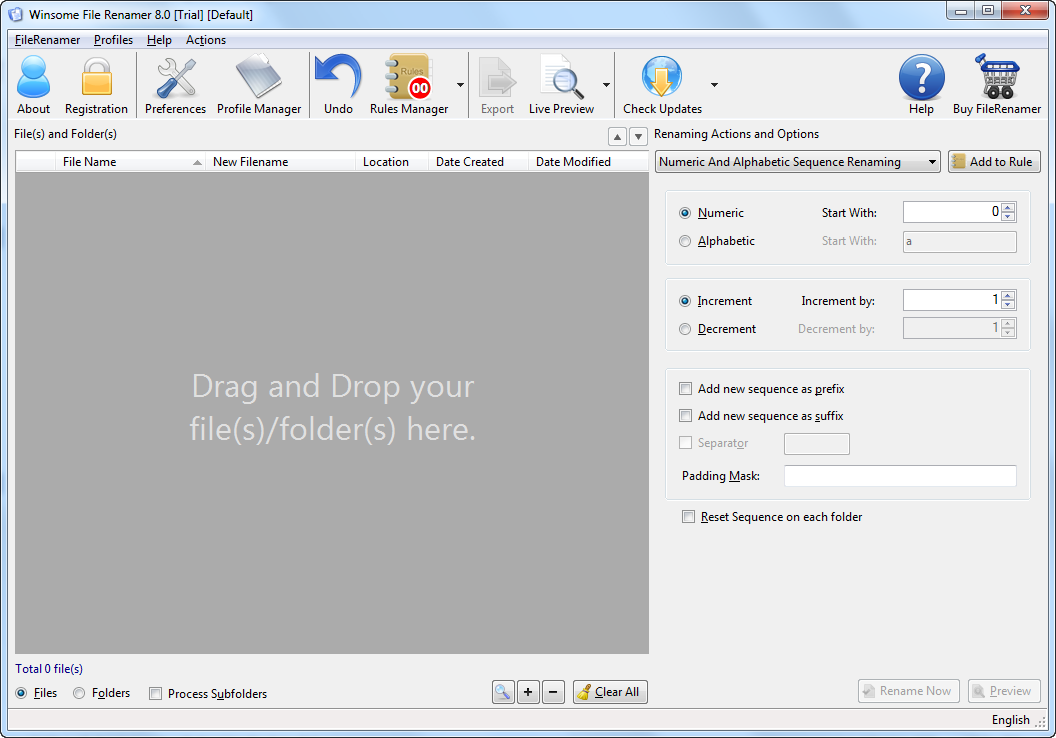
- Add Numerical and Alphabetical sequence to file names. You can also renumber file names. Incremental and Decremental Sequence.
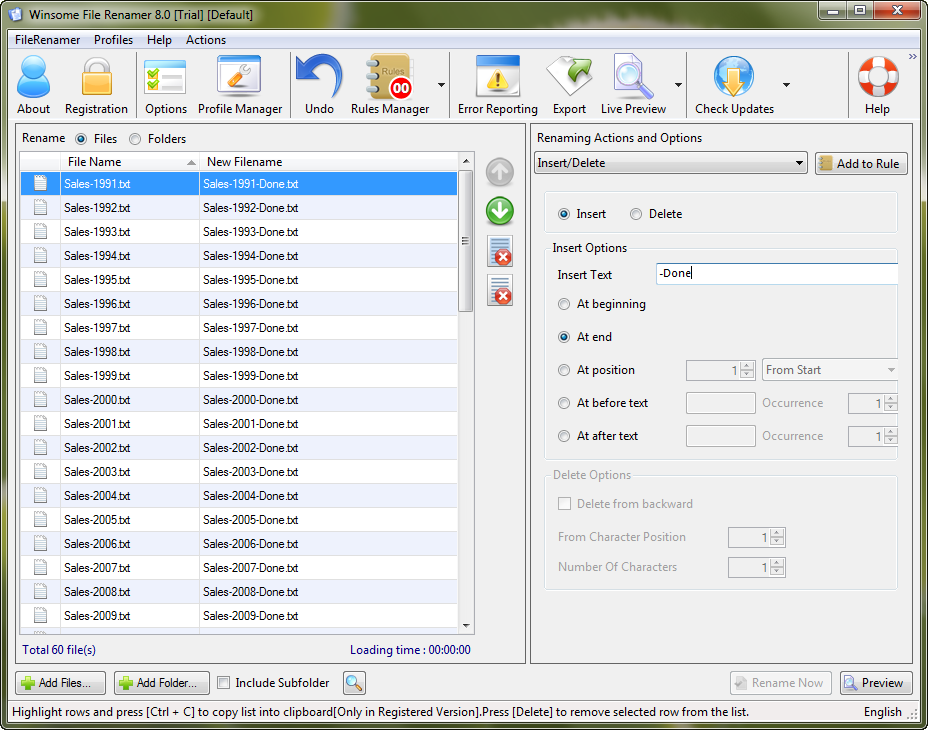
- Insert and delete text at beginning, end, at any character position and before / after some text.
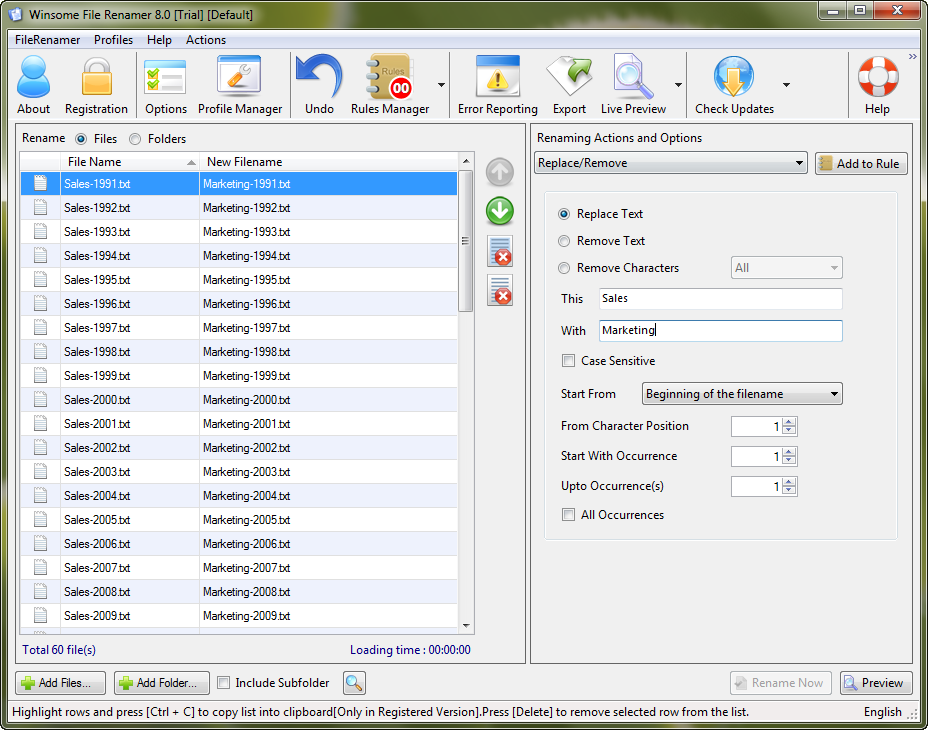
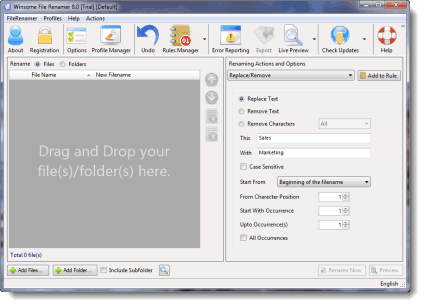
- Find / Search and Replace Text in file name. You can choose part of file name to search.
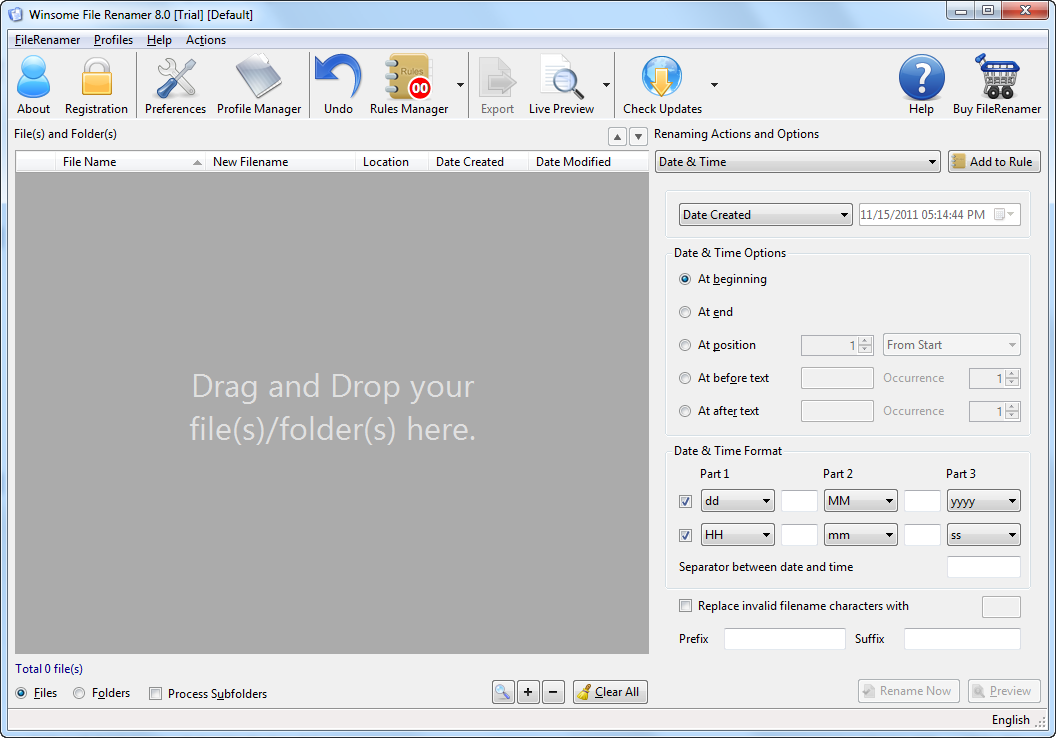
- Add System Date ( Created, Modified and accessed) in the file names.
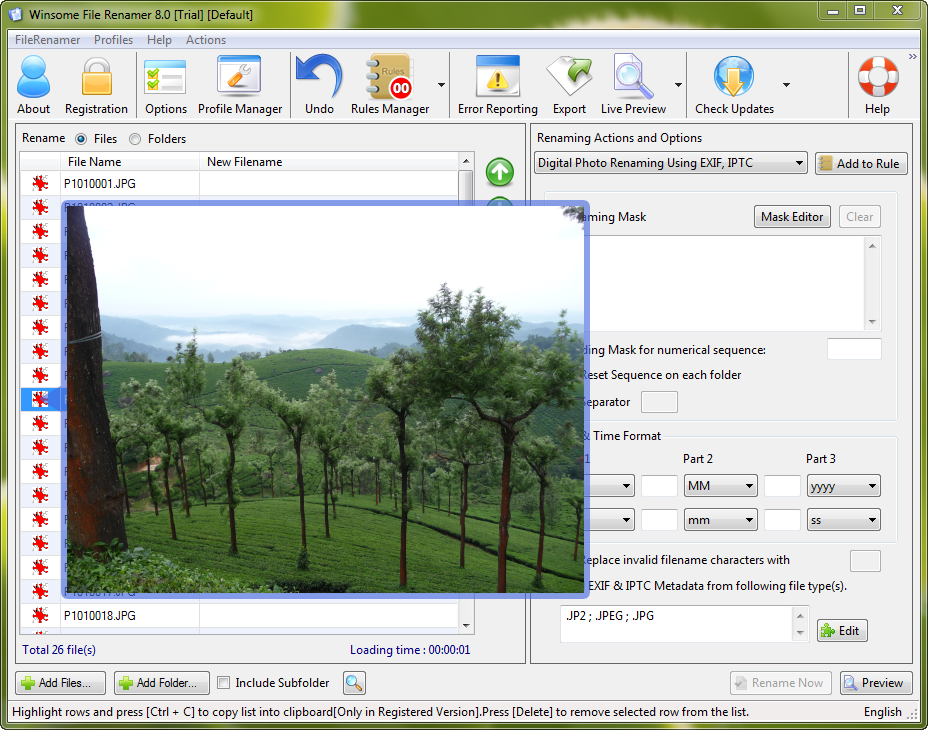
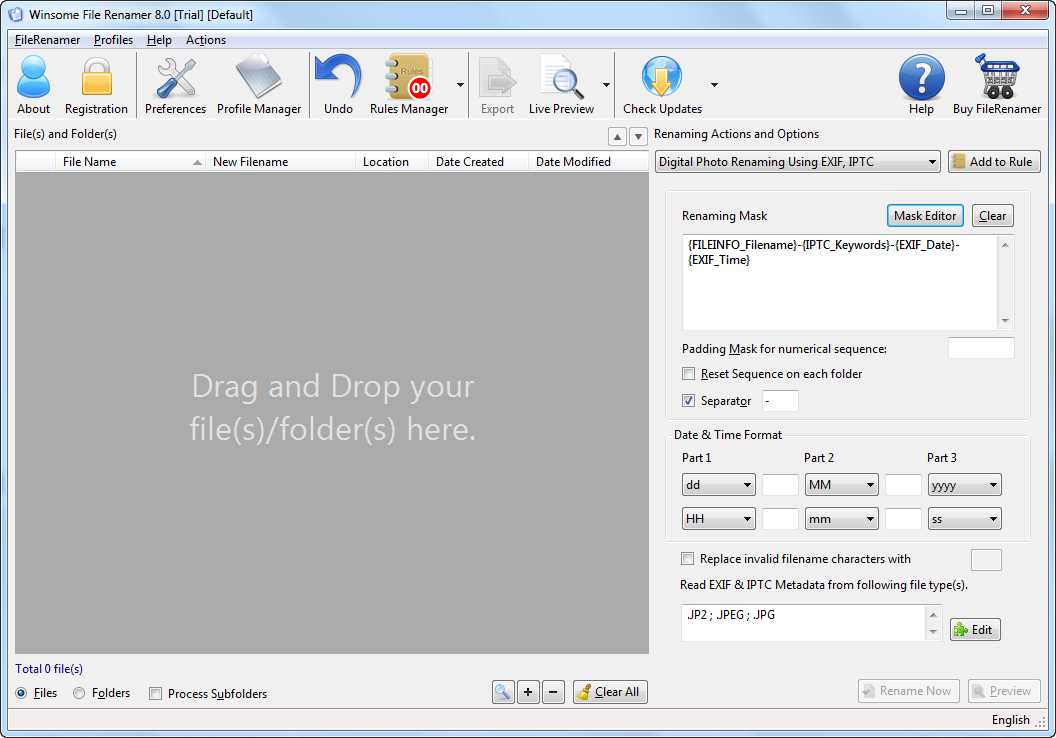
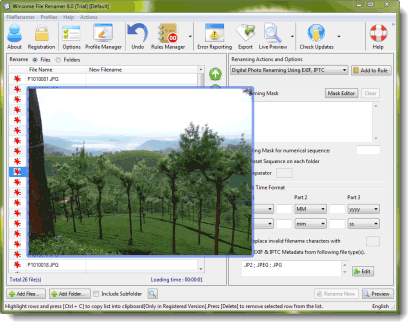
- Rename digital photos using their EXIF and IPTC Tags. Like Date picture taken, camera model, Maker and IPTC data like Author, Description, Copyright information. More than 40 IPTC tags supported.
- Change File Name case to lower case, upper case or proper case.
- Remove, Add and Rename File Extension.
- Reverse File Name.
- Swap file name parts. For Example John-Smith to Smith-John
- Remove Characters like remove all unwanted characters from file name. For Example Remove not windows supported characters from file names.
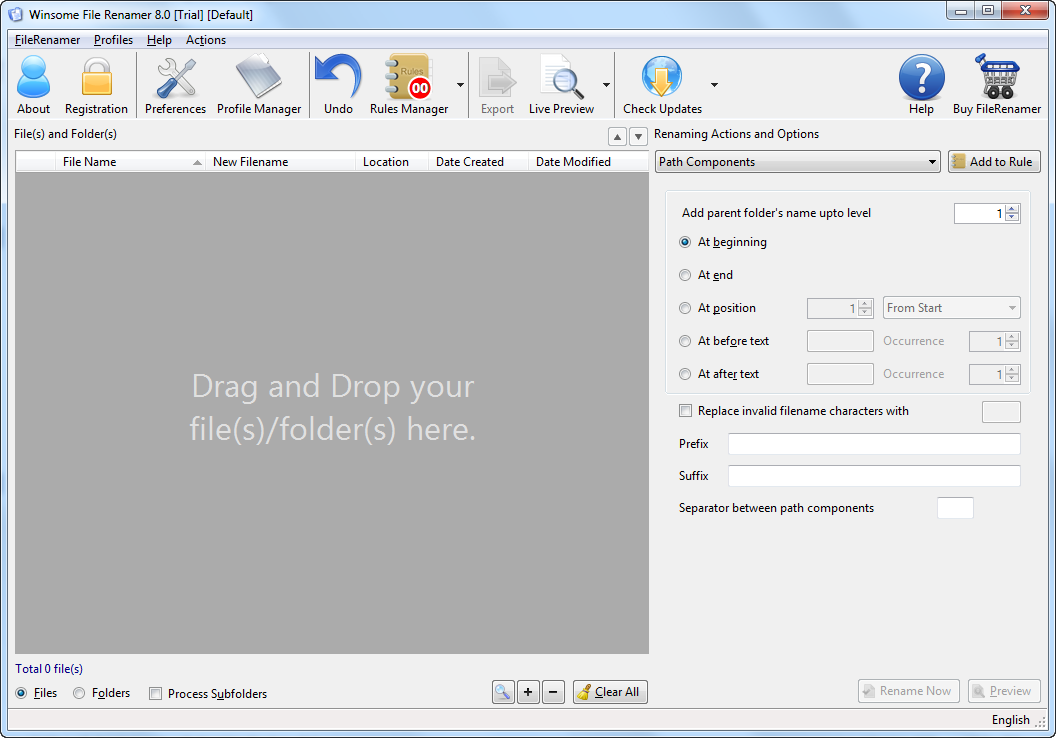
- Add File Name component like folder name or full path into file name.
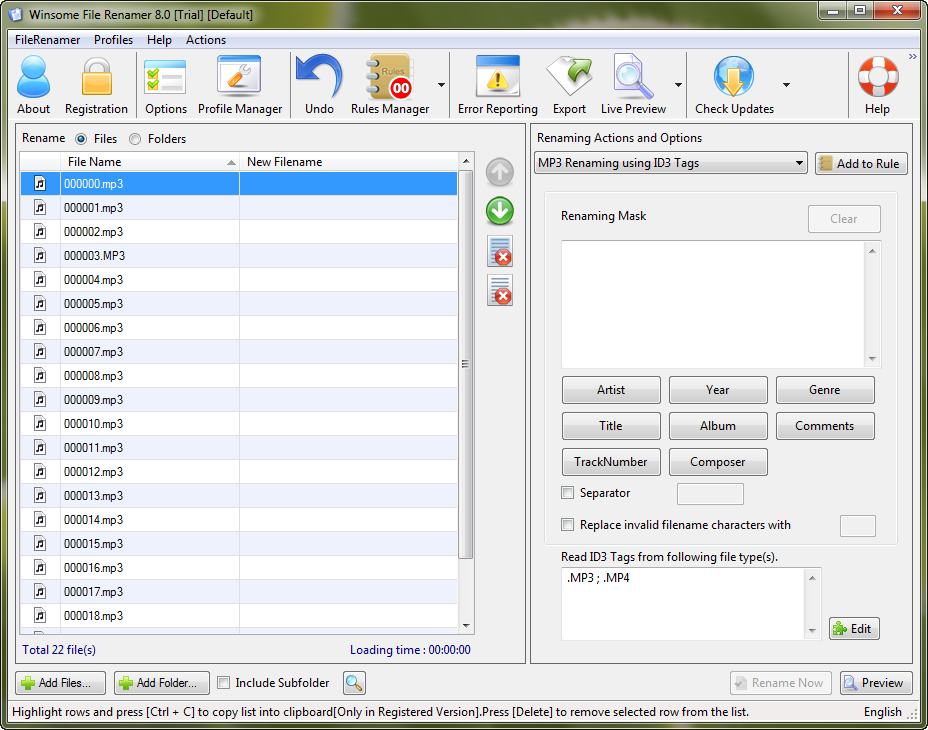
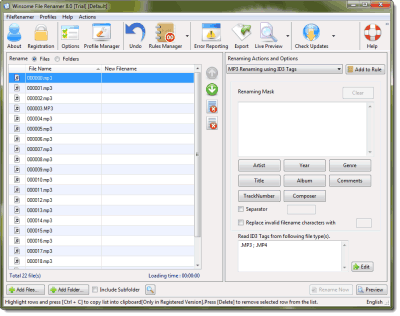
- Rename MP3 files using ID3 tag information like Artist, Album, Year, Genre, Title, Comments, Track Number, Composer.
- You can save more than one renaming action in a rule file and apply it in single click.
- Command line support. You can apply your saved renaming rule from command line.
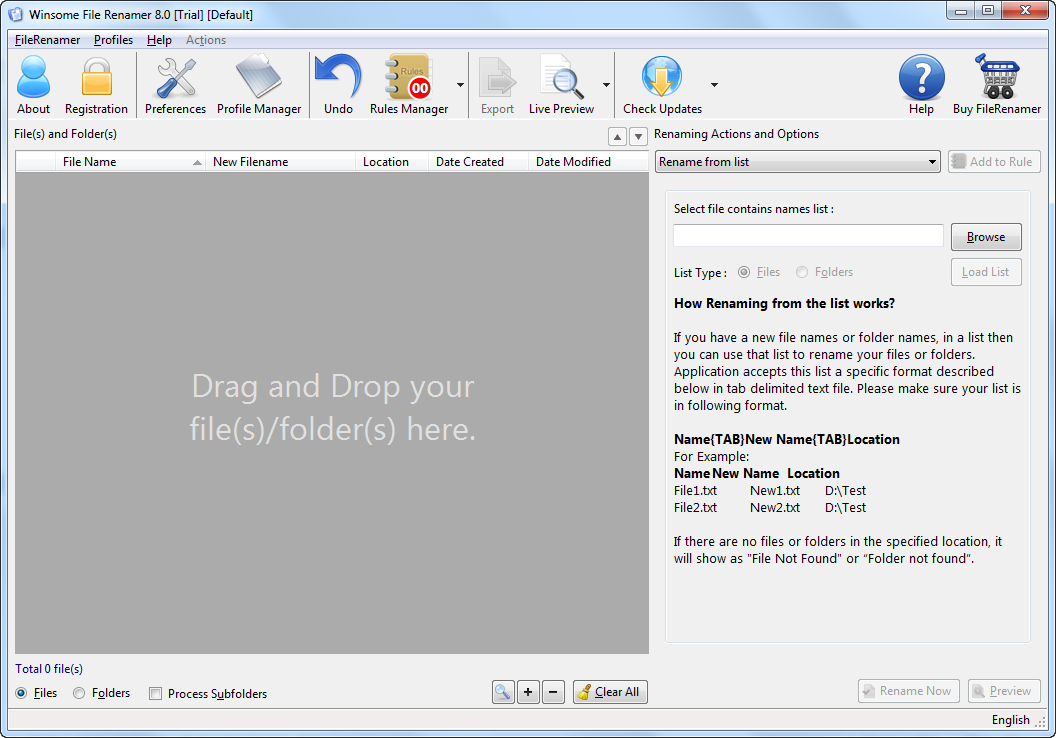
- List Renamer to rename files using a external file list in excel or csv file.
- Use Profile to save all your frequent application settings.
- Remove spaces from file names
- Compatible with (32 or 64 bit) Windows 10, Windows 7, Windows Vista, Windows XP, Windows 2008, Windows 2003
Testimonials
"Winsome File Renamer made a very large project very quick, I found the interface to be very intuitive. I utilized Winsome File Renamer to rename 10 thousand PDF documents along with the 100s of folder names they were stored in. Winsome File Renamer saved me many hours of work! "
My experience with using File Renamer is very positive. I use File Renamer in the process of converting my large collection of vinyl records to CD. It's not often that I find a shareware program worth registering, but I registered this one and am very glad I did. It saved me hours of work. Great job, guys!
"File Renamer is so easy to use and it is a HUGE time saver. Originally, before I found File Renamer, I had to rename each file ONE AT A TIME! It took forever, and sometimes I would accidently start playing an episode or movie because I double clicked to fast. It was pretty bad, so I looked online and found your product and ever since then it's been smooth sailing. Thank you for your great product."